Callback Periods
To access the Callback Periods, select the following options from the menu:


Through this screen you can define callbacks for generic time periods to be used on Manage Callbacks screen.
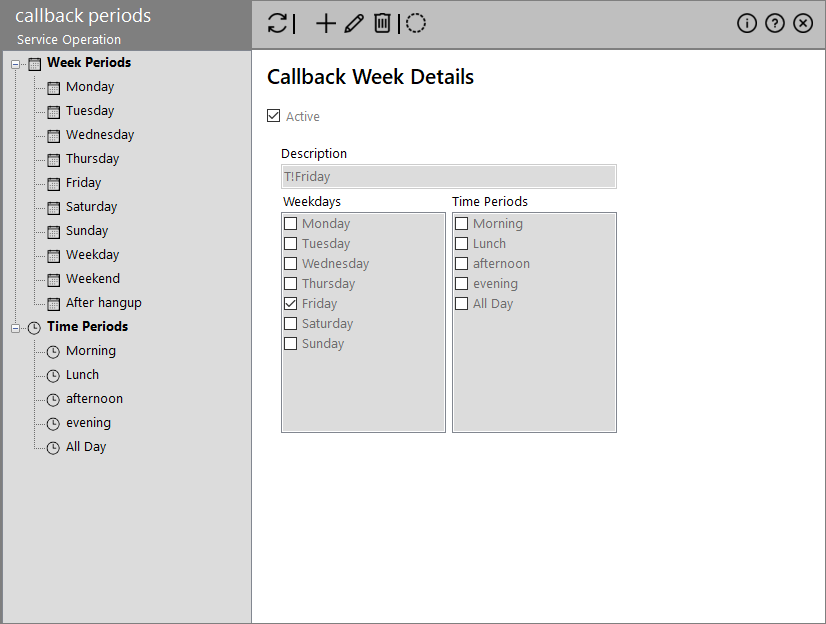
The list on the left contains a list with the defined periods grouped in Week And Time Periods. Enabling the toolbar icon  also displays the inactive periods. Selecting a period on the left panel shows its details to the right panel.
The following actions are available through the toolbar:
| Icon | Description |
|---|---|

|
Updates the contents of the screen |

|
Add a new time period by providing Description, Start/End Time and Days. The Active flag is selected by default but you can deselect it anytime. |

|
Edit the selected period by modifying any of its details |

|
Removes the selected period (with confirmation) |

|
Stores your changes |
|
|
Toggles the display of inactive callback periods |